TNPSC Group 2 Answer Key 2024 Out at tnpsc.gov.in; Raise Objection
TNPSC Group 2 Answer Key 2024 has been released by the Tamil Nadu Public Service Commission (TNPSC) for the Group 2 and 2A Posts under the Combined Civil Services Examination on its official website tnpsc.gov.in. The exam was conducted on 14th September 2024. Candidates can visit the official website download the answer key and raise objections to the same.
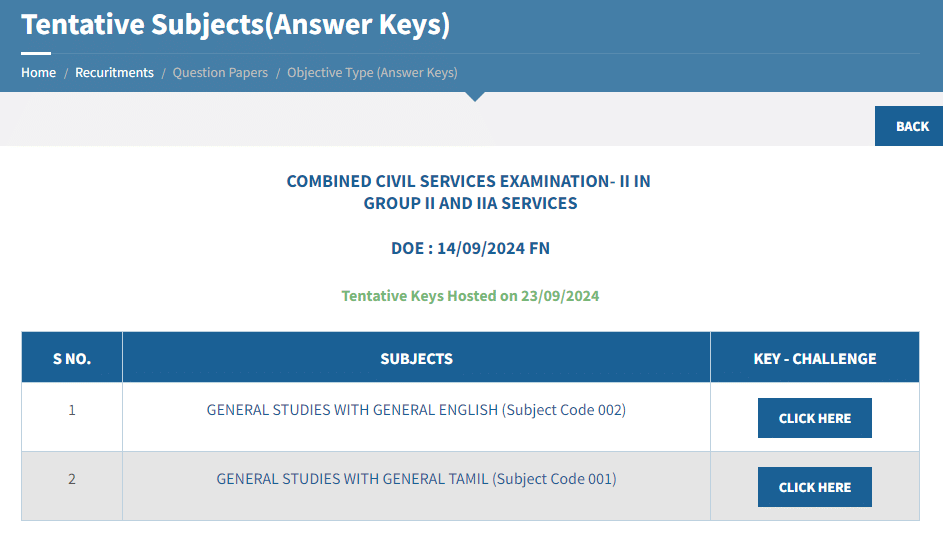
TNPSC Group 2 Answer Key 2024; Download PDF
TNPSC Group 2 Answer Key 2024 has been released for General studies with General English and general Tamil in PDF format:
| Particular | Direct Link |
|---|---|
| TNPSC Group 2 2024: General Studies with General English | Download PDF |
| TNPSC Group 2 2024: General Studies with General Tamil | Download PDF |
How to Download TNPSC Group 2 Answer Key?
You can download the answer key by following these steps:
Step 1: Go to the official website of TNPSC at tnpsc.gov.in.
Step 2: Click on the link for the Combined Civil Services Examination-2 (Group 2 and 2A Services) displayed on the homepage.
Step 3: Now, choose the subject, and your TNPSC Answer Key will be displayed on the screen.
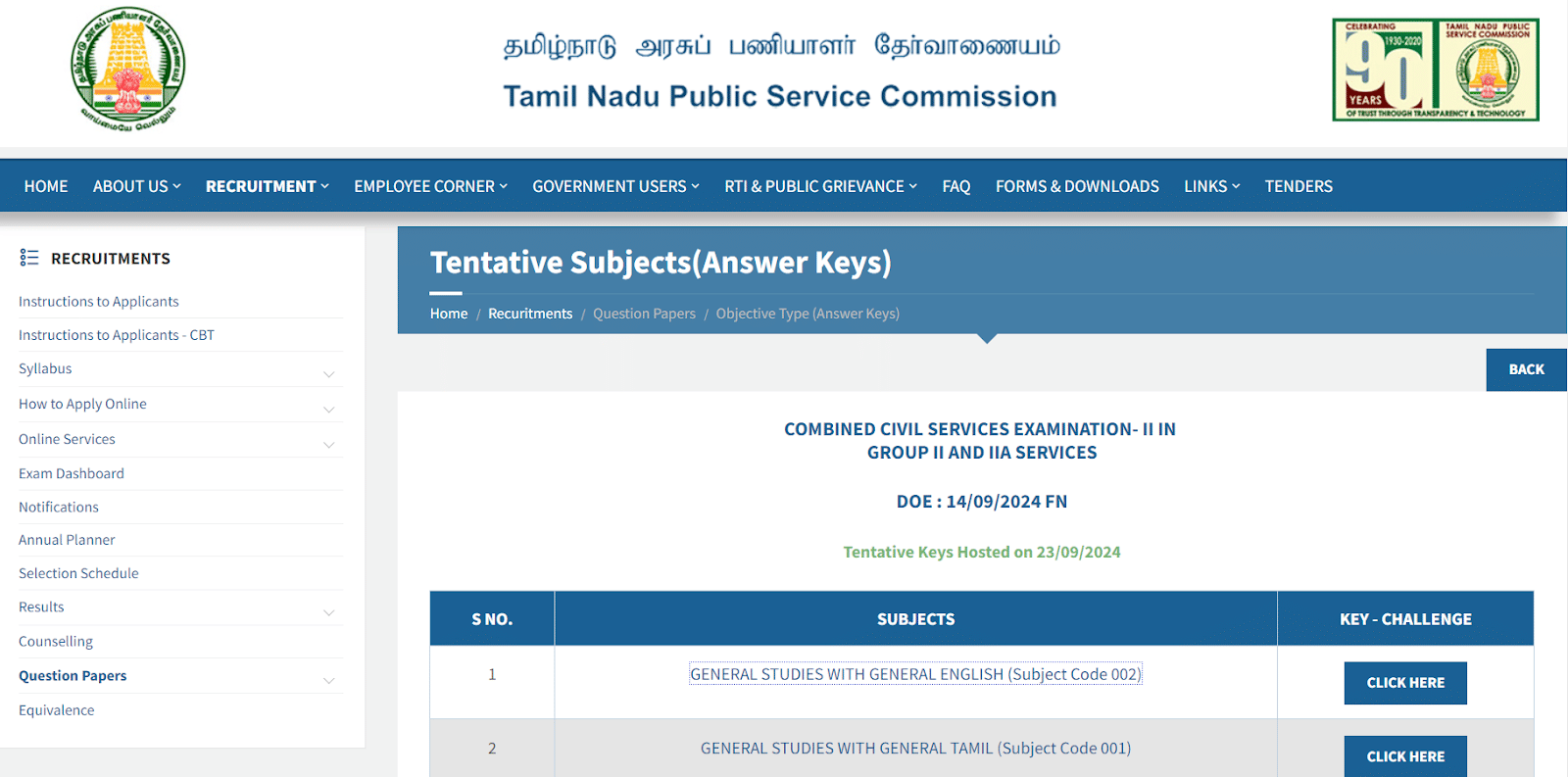
Step 4: The answer key will appear in a new window.
Step 5: Download and save it for future reference.
Steps to Raise the Objection for TNPSC Group 2
You can raise objections to the answer key by following these steps:
Step 1: Go to the official website of TNPSC at tnpsc.gov.in.
Step 2: Click on the link for the Combined Civil Services Examination-2 (Group 2 and 2A Services) displayed on the homepage.
Step 3: Click On the “ click here” button in the key-challenge section next to the answer key of the respective subject.
Step 4: A Login page will open; Enter your credentials and raise the objection of the particular answer key.
Candidates can Raise Objections by September 30, 2024. For further details, candidates can check the official website of Tamil Nadu Public Service Commission.
TNPSC Group 2 2024 FAQs
Question. What is One Time Registration in TNPSC?
Answer. One Time Registration is just a collection of information from the applicants and provides a separate dashboard to each applicant to facilitate the maintenance of their own profile. An applicant who wishes to apply for any post shall click ‘APPLY’ against the post notified on the Commission’s website and use the same User ID and Password given for One Time Registration. One Time Registration is not an application for any post.
Question. What should I do if I forget the User ID and Password of the TNPSC Login portal?
Answer. Use the “Forgot User ID” / “Forgot Password” link available in the home page of the Commission website and furnish the required information to retrieve the Login credentials.
Check the latest Government Recruitment News here
| Relevant Links | |
|---|---|
| TNPSC Group II Eligibility | TNPSC Group II Mock Test |
| TNPSC Group II Salary | TNPSC Group II Previous Year Question Paper |
Join Prepp Telegram Channel today for further updates.
Download the PREPP App and attempt FREE TNPSC Group II Mock Tests and get complete study material!

Full Test - 02 : TNPSC Group II (English) - Prelims
Full Test - 14 : TNPSC Group II (Tamil) - Prelims
TNPSC Group 4 2025 Question Paper (12-July-2025)
TNPSC Group 2 2025 Prelims Question Paper (28-Sep-2025)

17 February 2025 | The Hindu Must Read Articles | Current Affairs

16 February 2026 | The Hindu Must Read Articles | Current Affairs

13 February 2026 | The Hindu Must Read Articles | Current Affairs









Comments